What is a Geofence?
The Zone feature in the iFleet GPS platform is a method that allows you to define your own Geofence. After defining your zones, you can set up a zone alert to be notified whenever any vehicle enters or exits this zone. There are three types of zones you can create:
- Custom - allows you to draw and define your preferred boundary in free form.
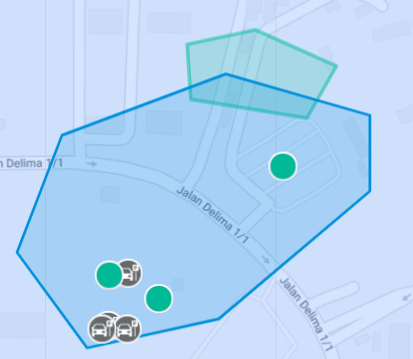
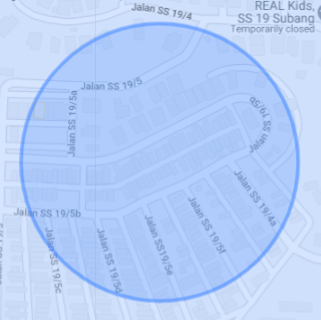
- Circular - allows you to draw and define your preferred boundary in a circular shape
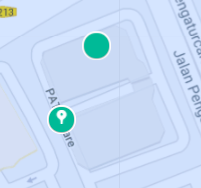
- Point of Interest(POI) - defines a single point with radius of 100 meters.
How can I setup a Geofence?
Watch the tutorial video below to learn how you can define and setup your own geofence:
Need some help?
Still unclear on what to do or how setting up zones can benefit you? All you have to do is fill up a geofence configuration form in Joy with your available date and time, and we will reach out to you within 2 working days.
Was this article helpful?
That’s Great!
Thank you for your feedback
Sorry! We couldn't be helpful
Thank you for your feedback
Feedback sent
We appreciate your effort and will try to fix the article