What is Quick Links
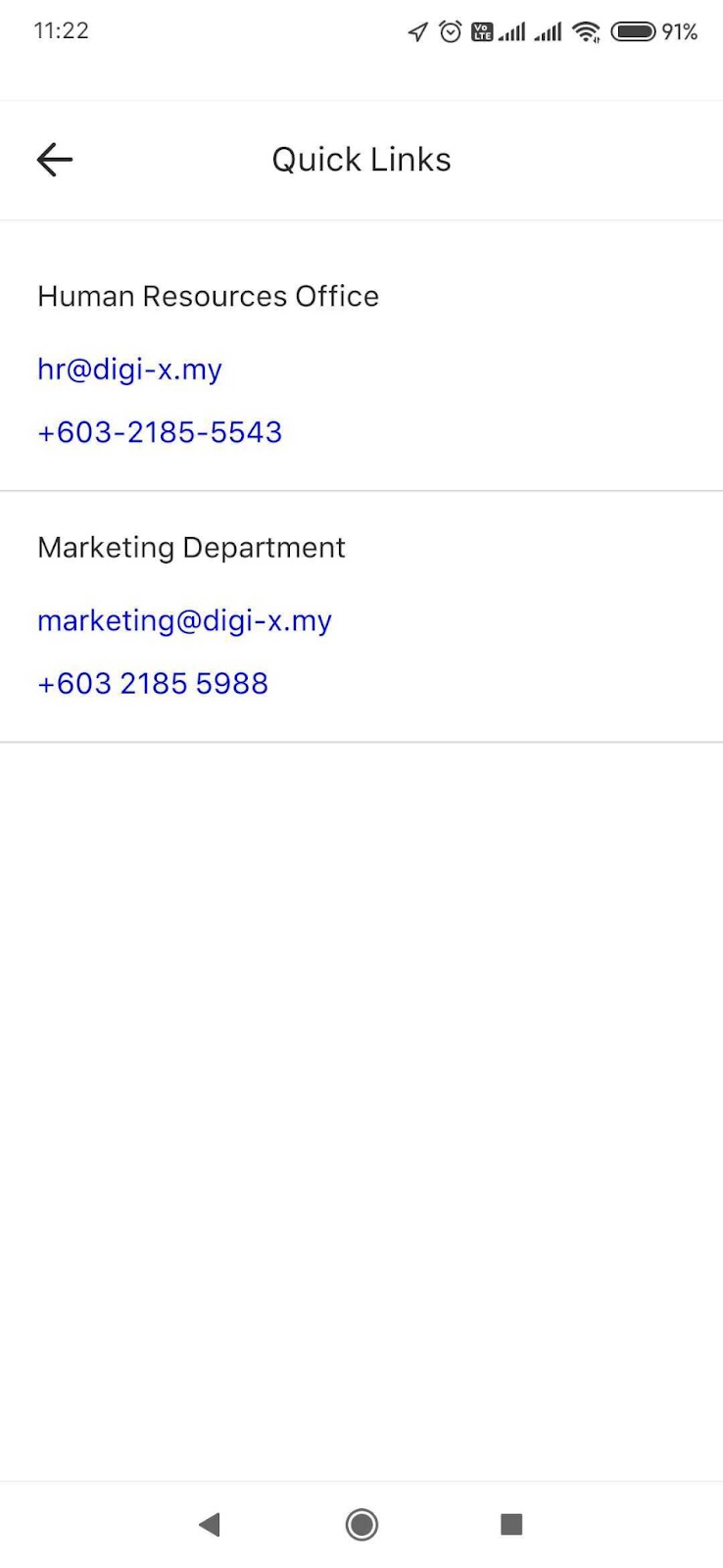
Quick Links provide easy access to a list of useful links and contact directory.
To access quick links contacts:
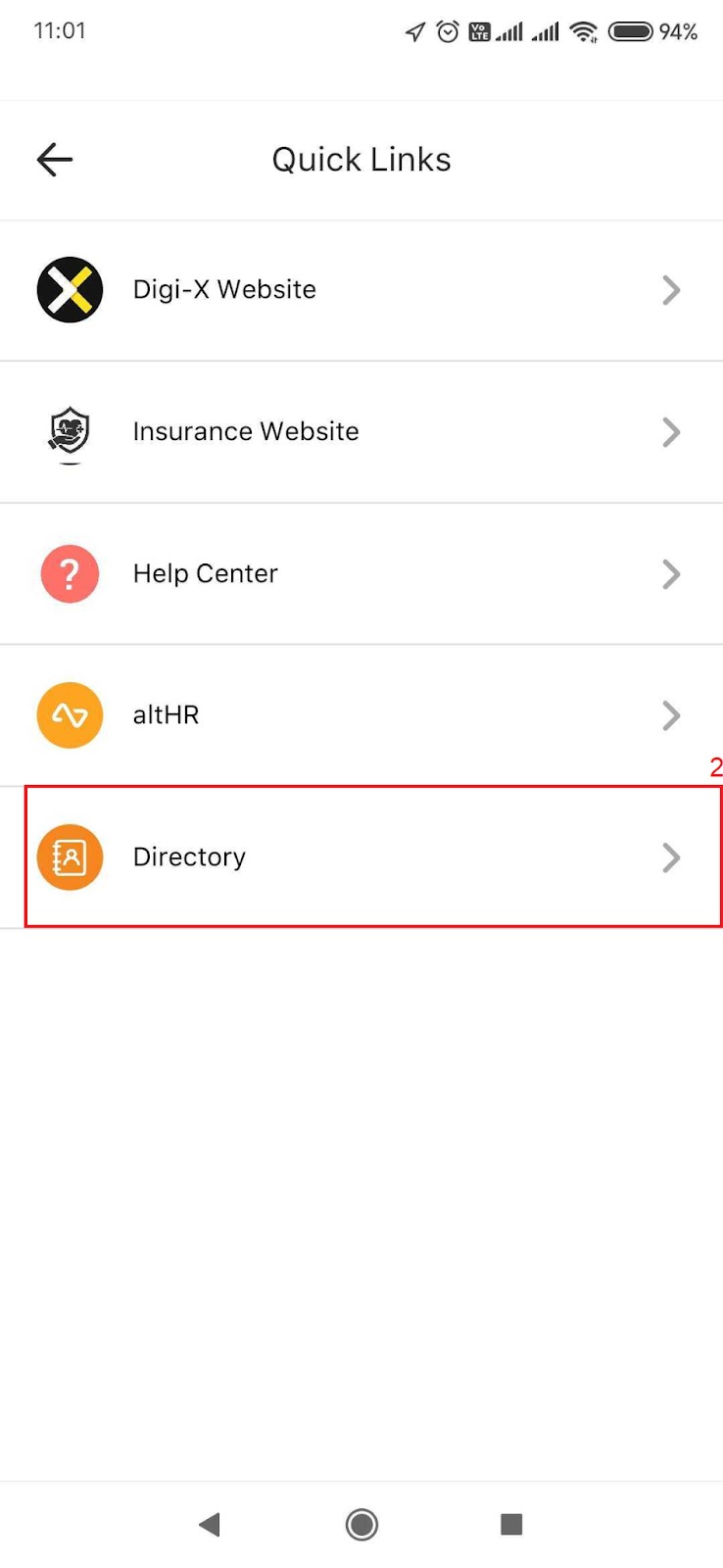
On your mobile app homepage, tap on Quick Links. If you don’t see it, tap More then look for Quick Links.
Tap on Directory.

Was this article helpful?
That’s Great!
Thank you for your feedback
Sorry! We couldn't be helpful
Thank you for your feedback
Feedback sent
We appreciate your effort and will try to fix the article